Software development has changed a lot over the past few years. Teams are expected to release updates faster, maintain reliable applications, improve security, and respond quickly when something goes wrong.
Doing all of this manually is difficult. This is where DevOps tools become important.
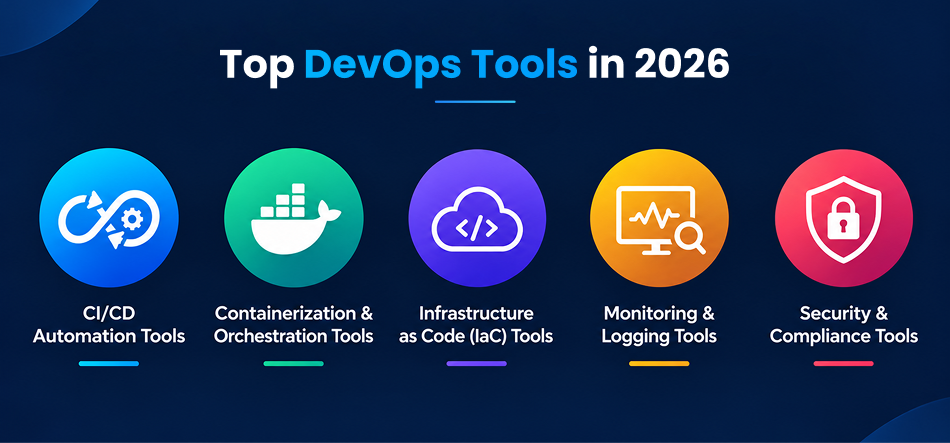
A modern DevOps environment brings together tools for source code management, automated testing, continuous integration, deployment, infrastructure management, containers, monitoring, security, and more. Instead of relying on one platform to handle everything, teams usually build a toolchain where different tools handle different parts of the development and delivery process.
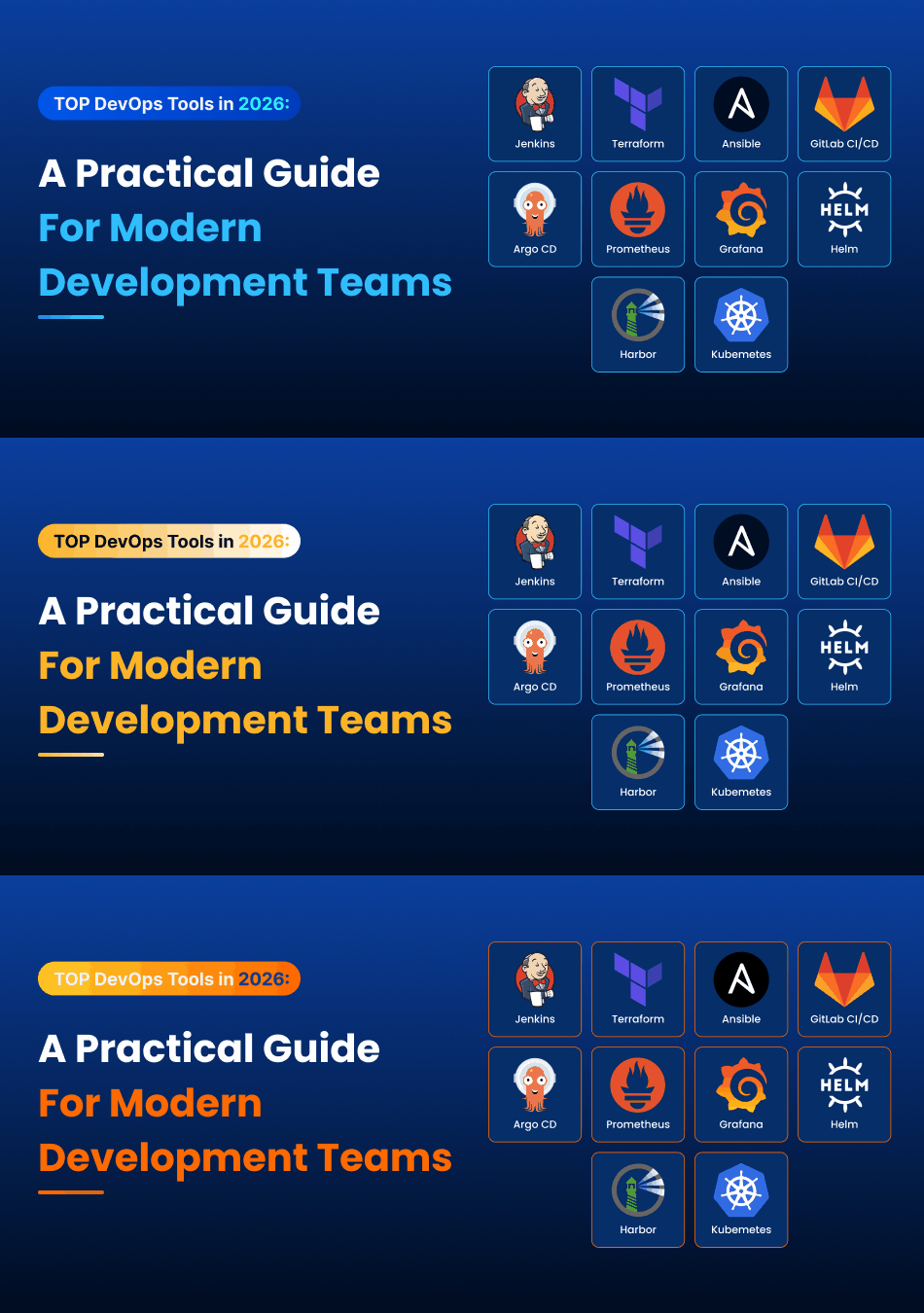
In 2026, tools such as GitHub Actions, GitLab CI/CD, Docker, Kubernetes, Terraform, Ansible, Argo CD, Prometheus, Grafana, and OpenTelemetry continue to play important roles across different DevOps workflows. The right combination depends on the team’s application, infrastructure, technical skills, budget, and operational requirements.
What Are DevOps Tools?
DevOps tools help development and operations teams automate and manage different stages of the software lifecycle.
For example, a developer may push new code to GitHub. A CI/CD platform can automatically test that code, build the application, and create a deployment package. Docker can package the application into a container, while Kubernetes can run and manage those containers.
Infrastructure can be created and maintained using tools such as Terraform. If the application runs on Kubernetes, Argo CD can manage application delivery through a GitOps workflow. Monitoring and observability tools can then help the team understand how the application is performing in production.
This connected approach is what makes a DevOps toolchain useful. The individual tools matter, but how well they work together matters just as much.
How to Choose the Right DevOps Tools
There is no single DevOps stack that works for every company.
A small development team may only need GitHub, GitHub Actions, Docker, and a cloud platform. A larger organization running multiple applications and Kubernetes clusters may need infrastructure such as code, GitOps, centralized monitoring, security scanning, secrets management, and more.
Before selecting a tool, teams should consider:
- What problem does the tool solve?
- Does it work with the existing technology stack?
- How difficult is it for the team to learn and maintain?
- Can it scale as the application grows?
- What are the infrastructure and licensing costs?
- Does it integrate with the other tools already being used?
- What security and compliance requirements need to be supported?
Choosing fewer tools that work well together is often more practical than building a complicated toolchain simply because every tool is popular.
DevOps Tools to Consider in 2026
1. GitHub and GitLab for Source Code Management
Source code management is the starting point for most DevOps workflows.
GitHub and GitLab provide repositories where teams can store code, manage branches, review changes, track issues, and collaborate with other developers.
They can also connect directly with CI/CD systems, making it possible to trigger automated workflows whenever code is pushed or a pull request is created.
2. GitHub Actions for CI/CD
GitHub Actions allows teams to automate development workflows directly from their GitHub repositories.
A typical workflow might run unit tests whenever code is pushed. If the tests pass, the workflow can build the application, create a Docker image, run security checks, and prepare the application for deployment.
This makes GitHub Actions particularly useful for teams already using GitHub because the automation stays closely connected to the source code.
3. Jenkins for Flexible Automation
Jenkins has been part of the DevOps ecosystem for many years and remains useful for organizations that need highly customizable, self-managed automation.
Its large plugin ecosystem allows teams to connect Jenkins with different programming languages, testing frameworks, repositories, deployment platforms, and infrastructure.
The trade-off is that Jenkins requires more maintenance than many managed CI/CD platforms. Teams need to manage the Jenkins environment, plugins, security, and upgrades.
4. Docker for Containerization
Docker makes it easier to package an application together with the dependencies it needs to run.
For developers, this can reduce the familiar problem of an application working on one machine but failing on another.
A Docker container can be tested in development and then used as part of the deployment process. This makes containers a common building block in modern DevOps workflows.
5. Kubernetes for Container Orchestration
Running a few containers manually is manageable. Running hundreds of containers across multiple servers is a different challenge.
Kubernetes helps teams manage containerized applications at scale. It can handle scheduling, service discovery, scaling, health checks, and application rollouts.
However, Kubernetes also introduces additional complexity. Teams should have a clear reason for adopting it rather than using it simply because it is popular.
6. Terraform for Infrastructure as Code
Terraform allows infrastructure to be defined using code instead of creating every resource manually through a cloud provider’s dashboard.
For example, a team can define networks, databases, virtual machines, and other cloud resources in configuration files. These files can be stored in version control and reviewed like application code.
This makes infrastructure changes easier to reproduce and track.
Terraform remains a commonly used option for infrastructure as code, alongside alternatives such as OpenTofu and Pulumi.
7. Ansible for Configuration Automation
Terraform is generally used to provision infrastructure, while Ansible is often used to configure systems and automate operational tasks.
For example, Ansible can install software, update configurations, manage users, and perform repetitive administrative tasks across multiple servers.
It can be especially useful in environments that include both virtual machines and cloud infrastructure.
8. Argo CD for GitOps
GitOps takes the idea of infrastructure and application configuration stored in Git and uses it as a source of truth for deployments.
Argo CD is designed for continuous delivery in Kubernetes environments. It monitors the desired configuration stored in Git and helps keep the running environment aligned with it.
This approach can make deployments easier to track because changes are recorded in version control rather than being made manually on production systems.
9. Prometheus for Monitoring
Once an application is running in production, teams need to know whether it is healthy.
Prometheus collects metrics that can help teams monitor things such as CPU usage, memory consumption, request rates, application performance, and service health.
It is commonly used with Grafana for visualization.
10. Grafana for Visualization
Raw metrics are difficult to understand when they are spread across multiple systems.
Grafana turns monitoring data into dashboards that teams can use to understand application and infrastructure performance.
For example, a development or operations team can create dashboards showing server health, application response time, error rates, database performance, and other important metrics.
11. OpenTelemetry for Observability
Monitoring tells you that something is wrong. Observability helps you investigate why it is happening.
OpenTelemetry provides a framework for collecting telemetry such as metrics, logs, and traces.
This becomes particularly useful for applications made up of multiple services. Instead of looking at each service separately, teams can trace a request across different parts of the application.
12. Security Tools in the DevOps Pipeline
Security should not be treated as something that happens only before a production release.
Modern DevOps pipelines can include tools for code analysis, dependency scanning, container security, vulnerability detection, and secrets management.
Tools such as SonarQube, Snyk, Trivy, OWASP ZAP, and Vault can be included depending on the organization’s requirements.
The goal is simple: identify security problems as early as possible instead of discovering them after deployment.
How These DevOps Tools Work Together
The real value of DevOps tools becomes clearer when they are connected into a workflow.
A typical setup might look like this:
Developer → GitHub → GitHub Actions → Docker → Terraform → Kubernetes → Argo CD → Prometheus/Grafana/OpenTelemetry
For example, a developer pushes a code change to GitHub.
GitHub Actions starts the automated build and testing process. If everything passes, a Docker image can be created. Infrastructure can be managed through Terraform, while Kubernetes handles the application environment.
Argo CD can then manage application deployment through GitOps. After deployment, Prometheus, Grafana, and OpenTelemetry provide visibility into how the application is performing.
This is more useful than looking at each DevOps tool separately because the tools form one connected delivery process.
Common Mistakes When Choosing DevOps Tools
One common mistake is selecting tools simply because they are popular.
A tool that works well for a large enterprise may create unnecessary complexity for a small development team.
Another problem is using too many tools. Every additional platform introduces configuration, maintenance, training, integrations, and sometimes additional costs.
Teams should also avoid treating security as a final step. Security checks can be introduced earlier in the development lifecycle so that issues are found before they reach production.
Finally, teams should consider the people who will maintain the system. A technically powerful tool is not necessarily useful if nobody on the team understands how to operate it.
DevOps Trends Shaping 2026
DevOps is also moving beyond traditional CI/CD pipelines.
GitOps, platform engineering, observability, automated security, and AI-assisted development are becoming increasingly important parts of modern engineering workflows. Current 2026 toolchain discussions also place more emphasis on combining these capabilities rather than treating CI/CD, infrastructure, deployment, and monitoring as completely separate areas.
The bigger trend is toward reducing repetitive work for developers while giving engineering teams better control over infrastructure and production systems.
Final Thoughts
There is no universal DevOps toolchain.
The right setup depends on what your team is building, where the application runs, how much automation you need, and how much operational complexity your team can manage.
A small team might start with GitHub, GitHub Actions, Docker, and a cloud platform. As the application grows, it may introduce Terraform, Kubernetes, monitoring, security scanning, and GitOps.
The important thing is not to collect as many DevOps tools as possible. The goal is to create a reliable workflow where code can move from development to production with less manual effort, better visibility, and fewer avoidable problems.
Frequently Asked Questions
What are the most commonly used DevOps tools?
Common DevOps tools include GitHub, GitLab, GitHub Actions, Jenkins, Docker, Kubernetes, Terraform, Ansible, Argo CD, Prometheus, Grafana, and OpenTelemetry. The tools used by a team depend on its development and infrastructure requirements.
Is Kubernetes necessary for every DevOps team?
No. Kubernetes is useful for teams that need container orchestration and related capabilities at scale, but smaller applications may not need its additional complexity.
What is the role of Terraform in DevOps?
Terraform is used for infrastructure as code. It allows teams to define and manage infrastructure through configuration files that can be version controlled and reviewed.
What is GitOps?
GitOps is an approach where Git repositories are used as the source of truth for infrastructure or application configuration. Tools such as Argo CD can use this configuration to manage application delivery.
How do DevOps tools improve software development?
DevOps tools automate repetitive tasks such as testing, building, deployment, infrastructure provisioning, monitoring, and security checks. This can make software delivery more consistent and easier to manage.